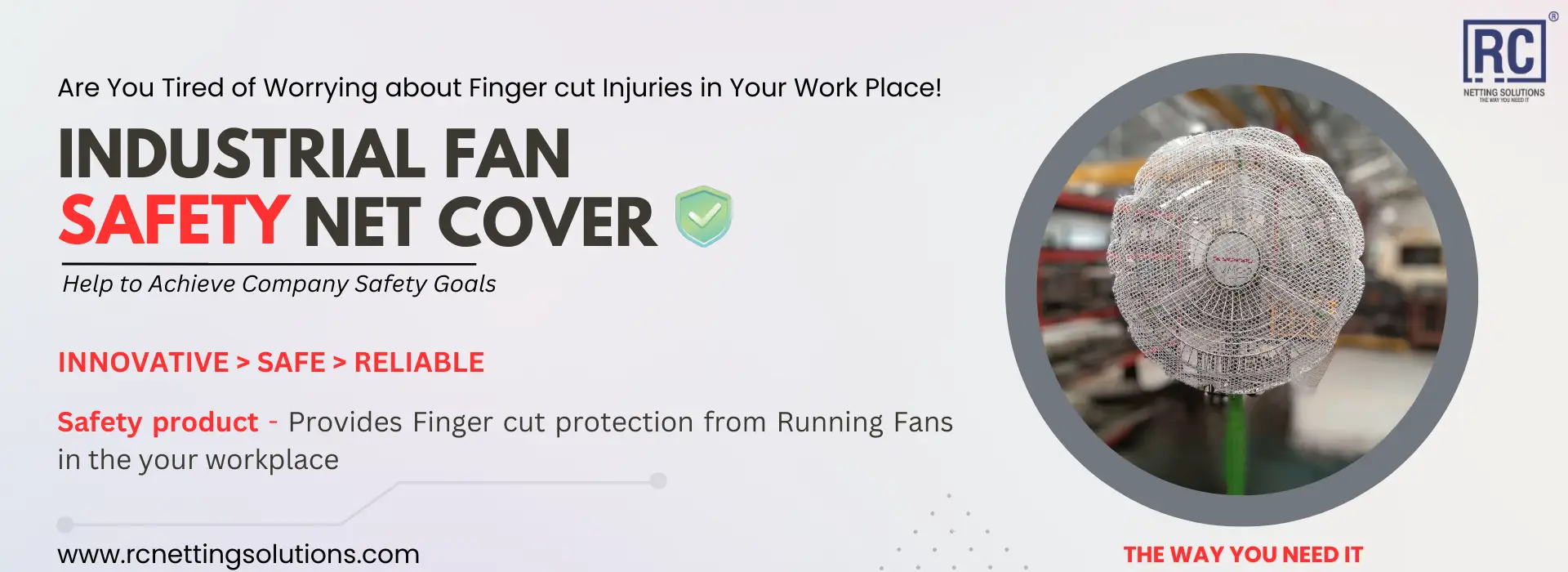

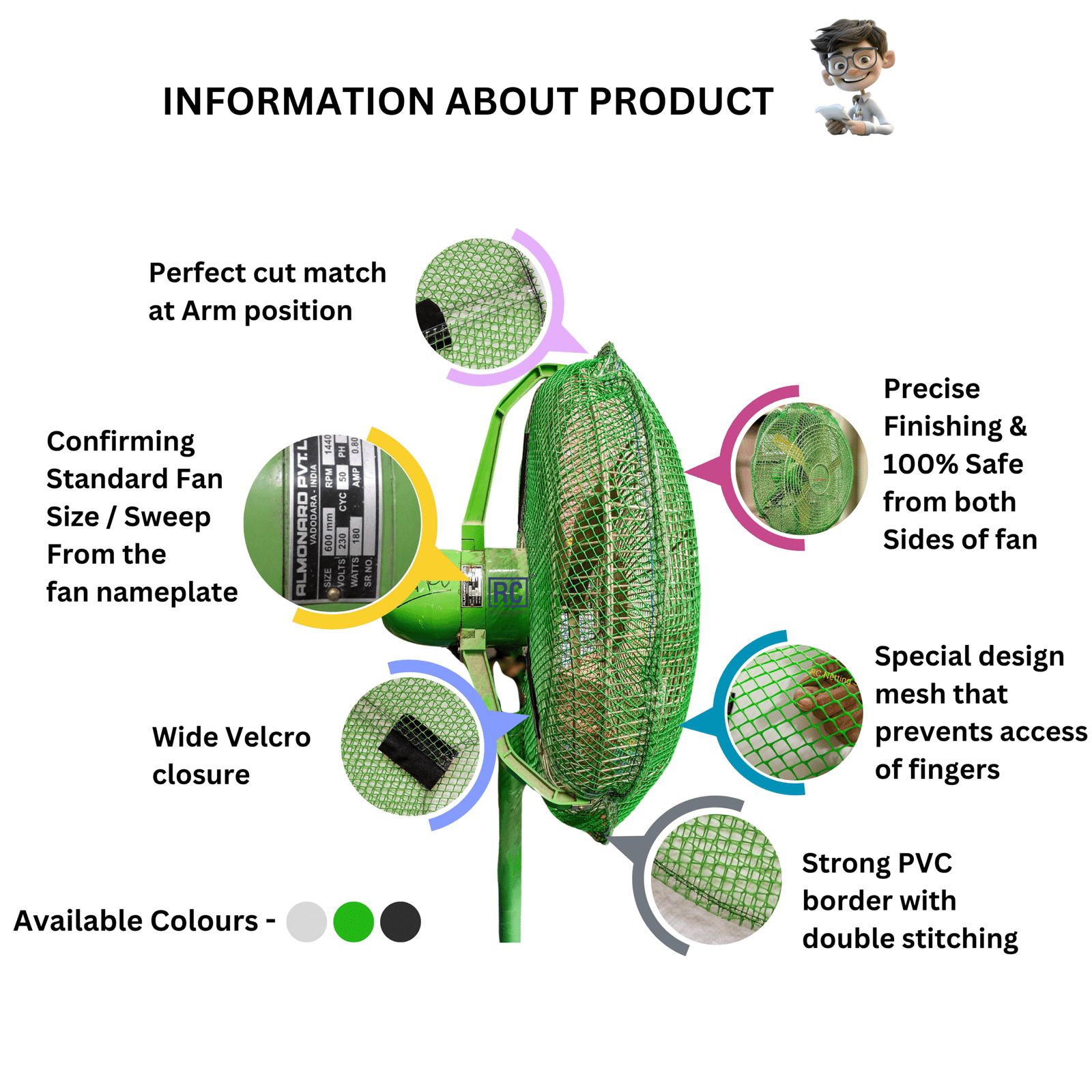
RC Fan Safety Net Cover uses a wide Velcro closure so maintenance teams can fit or remove covers without special tools. Follow these steps every time.
1. Power off and isolate
Never install a cover on a running fan. Switch off at the isolator or unplug before you start.
2. Confirm cover size
Match the ordered sweep to the nameplate. A loose or tight cover will not protect correctly.
3. Align the arm cutout
Place the cover so the arm / yoke cut sits around the metal support. Centring here keeps the mesh even on the grille.
4. Stretch over the guard
Pull the PVC-bordered edge flat around the rim. Avoid folds that leave finger-sized gaps.
5. Close the Velcro firmly
Press the industrial Velcro closed so vibration cannot loosen the cover. Fit a second cover on the rear if your risk assessment requires both-sides protection.
6. Final check and restart
Confirm fingers cannot reach blades, restore power, and verify normal airflow. For maintenance later, open Velcro, service the fan, and refit the same way.